Build a competitive edge with a channel you fully own across your app and website.
InBox delivers messages straight to your customer’s inbox—without spam, system permissions, or third-party intermediaries.
Give users a compelling reason to return to your platform and engage them like never before!


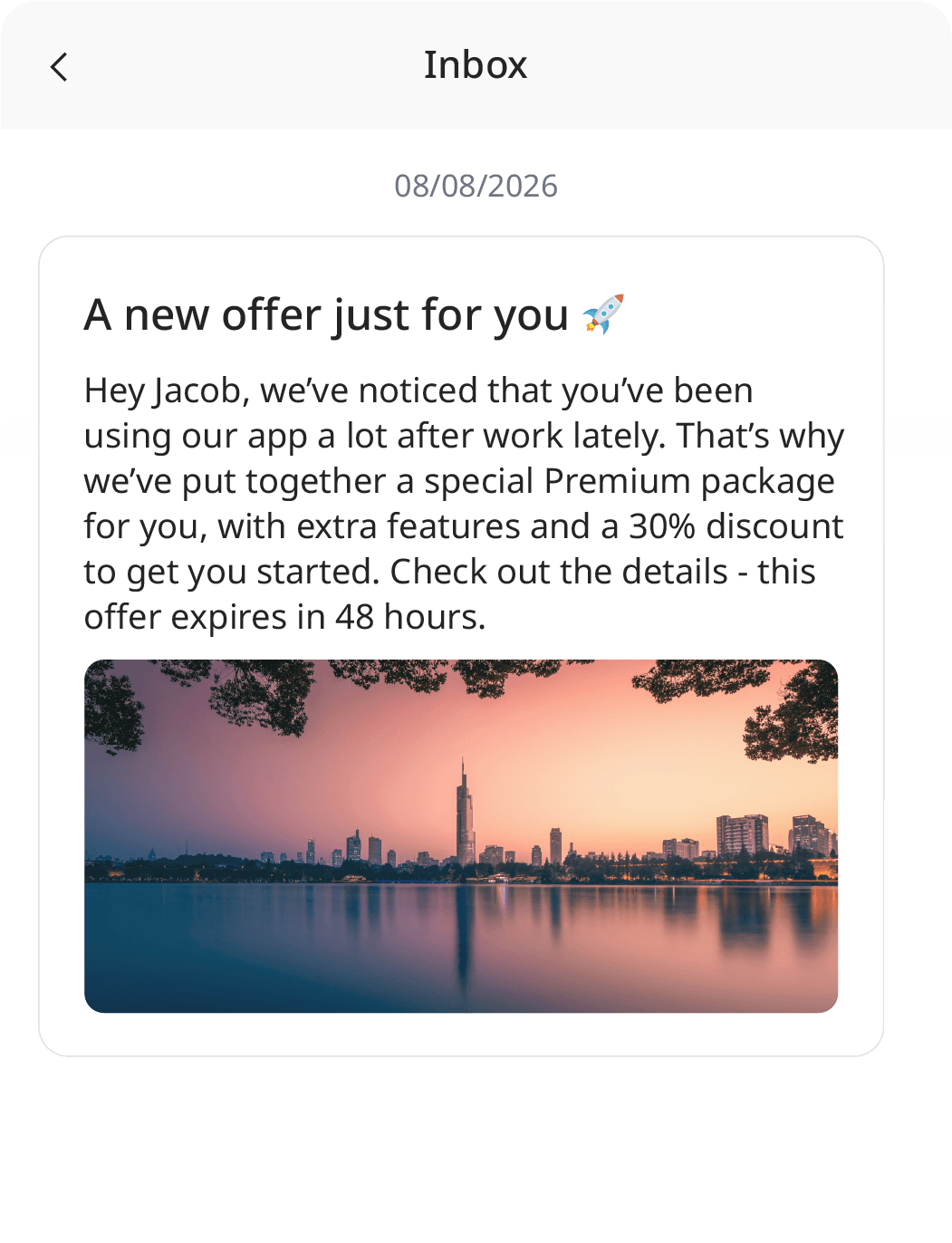
InBox is the familiar notification bell with an in-app message feed, built directly into your mobile app or website.
But why implement it in the first place? First and foremost, to gain a competitive edge with a channel you fully own and engage users like never before.
InBox gives your customers a compelling reason to keep coming back to your app or platform—fresh, engaging content waiting right inside, without disappearing in a split second or competing with noise from other brands.
Unlike fleeting emails or push notifications that vanish instantly, InBox operates on a smart pull model: iPresso generates the message, and your application fetches it for that specific contact. The message sits safely in their inbox for as long as you decide—right up to its set expiration date.
The result? A native, non-intrusive channel that feels like a seamless part of your product (rather than an awkward overlay or banner) and actively drives user retention.
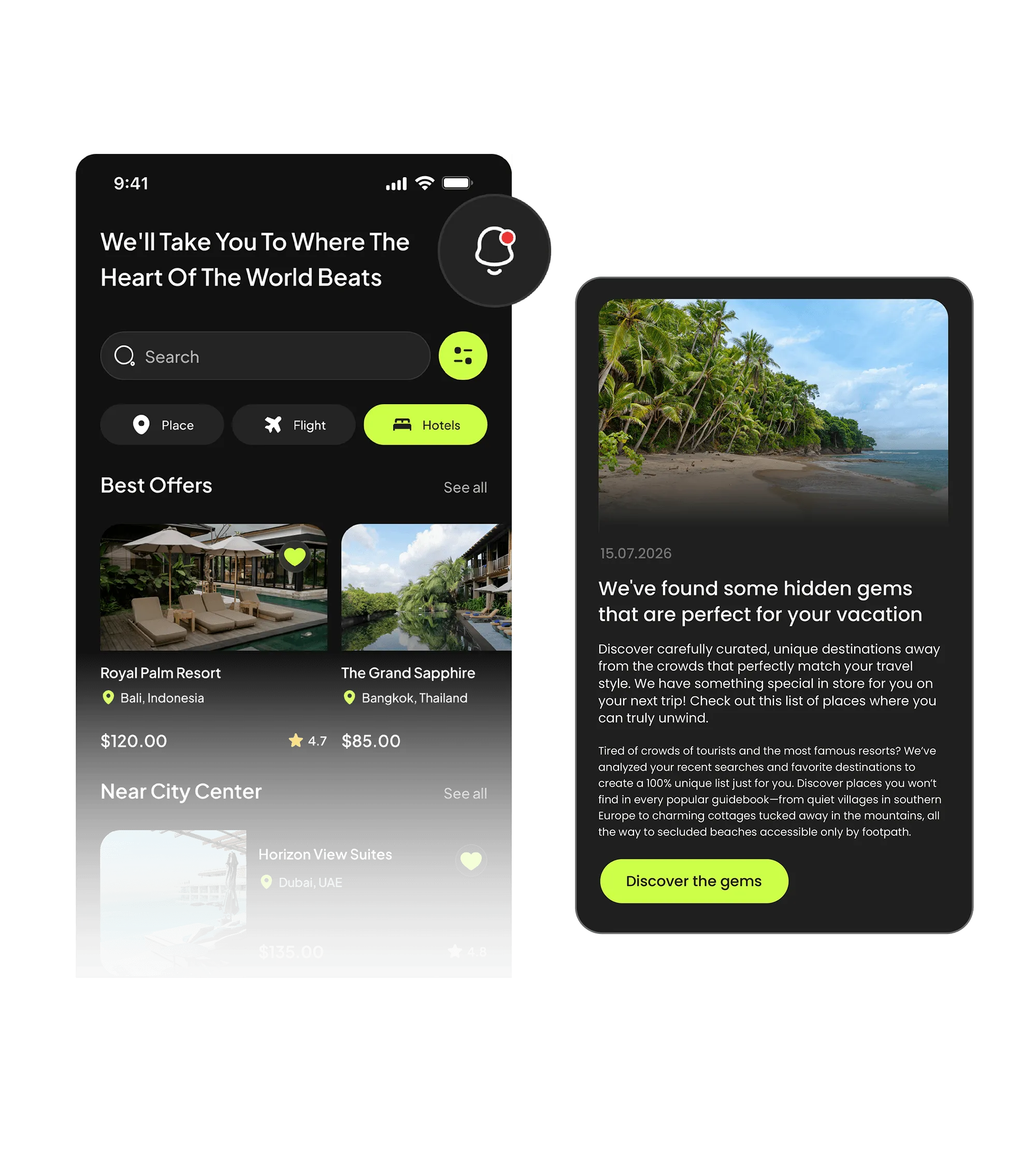
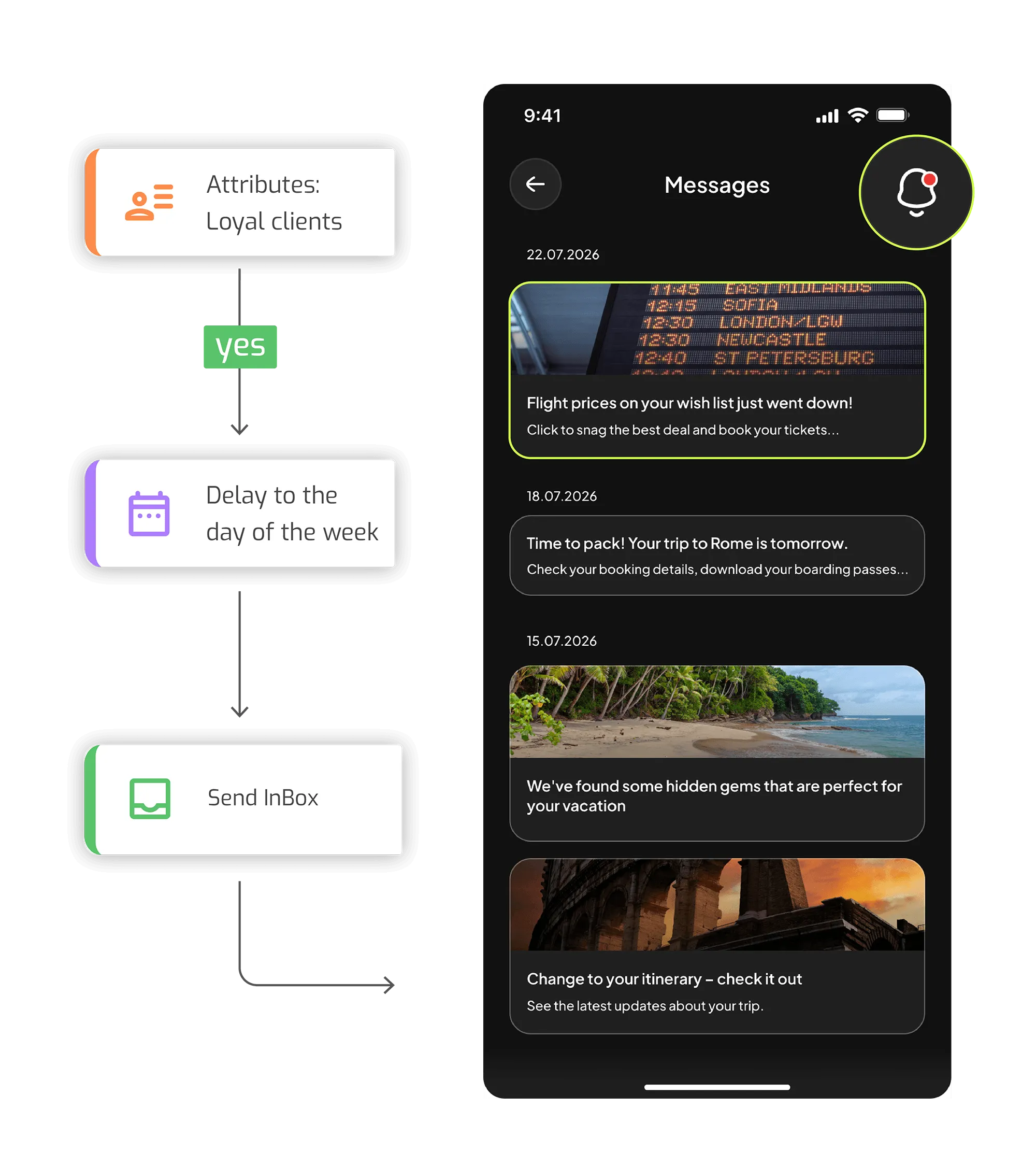
Tell customers about news, statuses and actions right where they already are — inside your app. With no risk of the message getting stuck in spam or blocked at the system level.
Define one campaign and make it available to every app connected to your InBox instance — or only selected ones. For web you'll use a tracked CTA link; for a mobile app, a deep link that leads straight to the right screen.
Combine InBox with reactions to abandoned carts and processes. A reminder about an unfinished purchase appears in the app inbox and waits for the customer until they return.
Embed InBox as a block in a Marketing Automation scenario. The notification sends automatically in response to a contact's behavior — at exactly the moment it makes sense.
Trigger individual InBox messages from your own system via REST or JS API. Ideal for transactional and event-based messages where the precise moment matters.
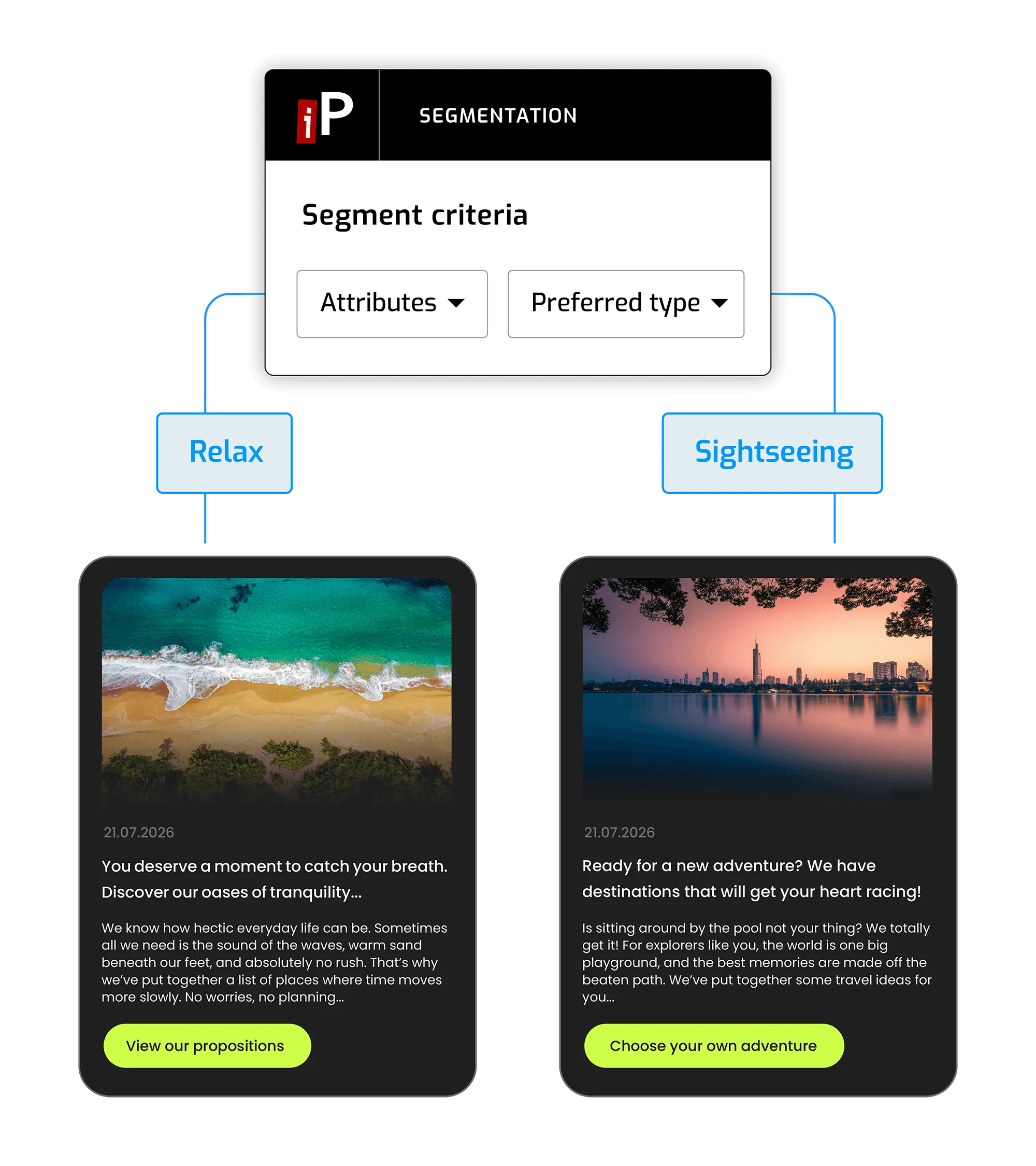
Every message field supports the standard personalization known from other iPresso channels — from a first name, through table data, to dynamic vouchers and recommendations.
Define an InBox instance (the inbox that sends land in) and connect web or mobile apps to it. A single app can serve several instances — e.g. separate inboxes for different notification types.
Only contacts registered in a given instance receive messages. You register them in three ways: manually in the contact manager, with a dedicated action on an entire segment, or via REST API. Every change leaves a trace as a registration or de-registration activity.
Build a message from a title, lead and content, and optionally add aCTA button, an icon and a large image. Before sending, you'll check a preview on a test contact and see the exact object your app will receive.
Pick the mode that fits your goal: AdHoc to an entire instance or segment, a scheduled send for a specific date, a block within a scenario, or API triggering. One channel, four ways to reach people.
Every InBox message has an expiry date — set a specific deadline or an interval counted from the moment of sending. With a control group you exclude selected contacts from the send to reliably measure the campaign's real impact.
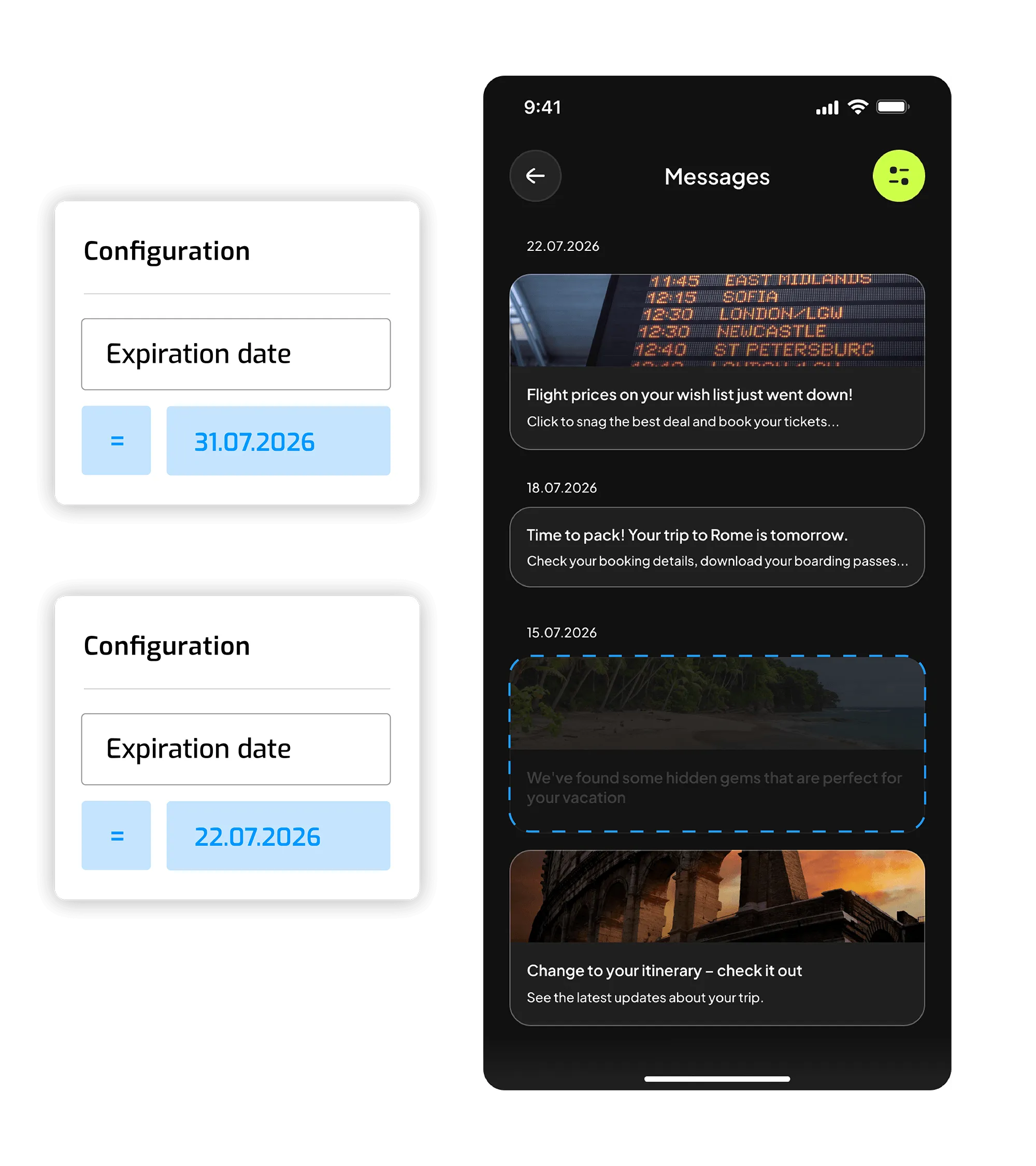
Product recommendations, abandoned-cart reminders and vouchers land straight in the inbox inside your store or app — and wait until the customer comes back to shop.
Deliver notifications about statuses, documents and actions in a secure, owned channel inside the app — without sending sensitive content through external channels.
Announce new content, episodes and events exactly where audiences consume your product. The message stays in the inbox until they're ready to open it.
Booking confirmations, last-minute offers and trip reminders appear in the traveler's app and are available right when they need them.
Notify learners about new materials, deadlines and progress inside your education platform — keeping in touch at every stage of learning.

Learn how iPresso can support your business growth.
Make an appointment for a demo and experience the full capabilities of our Marketing Automation system.